Export Certificate to PFX for Use on Older Windows Servers
When importing a PFX file on a server, you might find that the server does not accept the password you chose for the PFX. This issue may be due to encrypting the password with a too-strong algorithm that the server does not support. However, we have a solution.
Problem Symptoms
When importing a certificate from a PFX created in SSLmarket with a custom password, you encounter the target system rejecting the password as invalid. This occurs when an encryption scheme is used for the password that older systems do not fully support.
Problem Cause
The compatibility issue with PFX files on older Windows Server systems is caused by using newer encryption algorithms for encrypting the password when exporting the certificate to PFX. Modern versions of tools and libraries for working with certificates, such as OpenSSL, may use AES-256 for PFX file encryption by default. However, older Windows Server systems may not support decryption with AES-256 and expect 3DES (Triple DES), which was the standard at the time these systems were released.
Resolve the Issue Easily by Using 3DES in PFX
To ensure compatibility of PFX files with these older systems, you need to explicitly choose 3DES encryption when exporting the certificate. This ensures that the password encryption will be compatible with older Windows Server systems (3DES will be used instead of AES-256).
In SSLmarket, you have the option to select the use of 3DES when creating a PFX file. Use this option if you will be installing the certificate in PFX on an older Windows server (2012 and older).
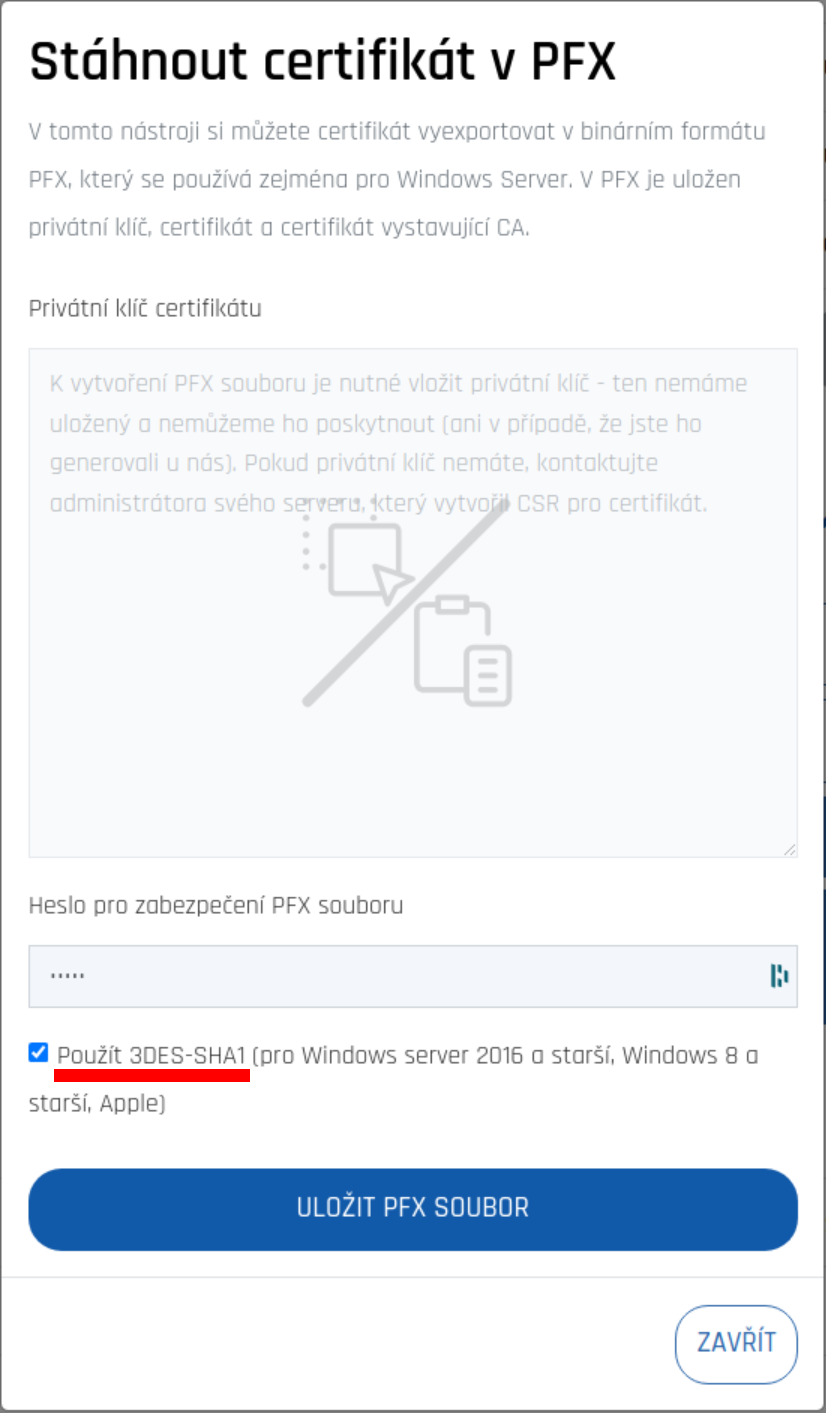
If you are installing the certificate from PFX on Linux or a newer version of Windows Server (2016 and newer), no action is required with 3DES.